Free online photo editor that never uploads your photo.
Crop, resize, rotate, convert and retouch as a stack of steps you can reorder or undo at any time. Every pixel is processed on your own device.
0 bytes sent · 17 tools · works offline once loaded

- Upload
- 0 bytes — nothing sent
- Pipeline
- 17 stackable operations
- Read
- JPG · PNG · WEBP · GIF · HEIC
- Write
- JPG · PNG · WEBP · GIF
- Languages
- 16 — fully localized
- Price
- $0.00 · no account, no limits
One photo, every tool.
Each tile shows the effect on the same frame — hover to wipe back to the original. Pick a tool to open it with your own image.
Black and white
True luminance grayscale with contrast control — not a washed-out CSS filter.
Blur one part
Brush over a face or plate, or tap the object — only that area is blurred.
Tone curves
Bend the curve — lift the shadows, hold the highlights, grade each channel.
Pixelate
Mosaic the whole image or a selection to censor private details.
Vignette
Darken the edges to pull the eye into the middle of the frame.
Rounded corners
Round the corners and keep real transparency by exporting to PNG.
Film grain
Add analogue noise — fine 35 mm dust or heavy push-processed grit.
Watermark
Place text or a logo, set opacity, position and rotation, batch-safe.
Compress to an exact size
Name a file size — “under 500 KB” — and the encoder searches for the quality that lands there.
A real curve, on a real photo
The same code the editor runs, live on this page: the curve on the left is applied to the photo on the right, pixel by pixel, in your browser.
Cycling through presets — drag a point to take over.
Three moves, nothing hidden.
Pick an image
Drag and drop a photo or click to browse. It opens instantly — nothing is uploaded to any server.
in — JPG · PNG · WEBP · GIF · HEICEdit non-destructively
Stack crop, resize, rotate and other operations in a pipeline. Every step stays editable.
edit — reorder · toggle · undoDownload the result
Export as JPG, PNG or GIF, fine-tune quality and file size, and save to your device.
out — JPG · PNG · WEBP · GIFBorrow a frame and start editing.
Pick any shot below — it loads into the editor with the same pipeline you saw above.
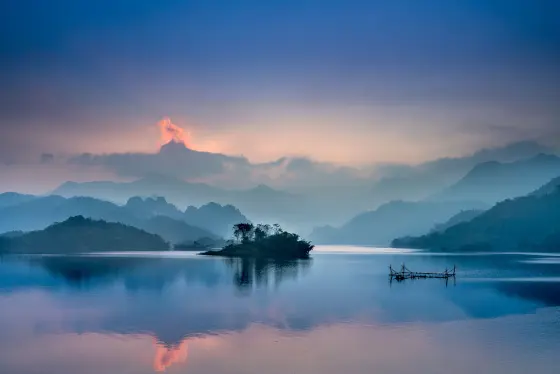
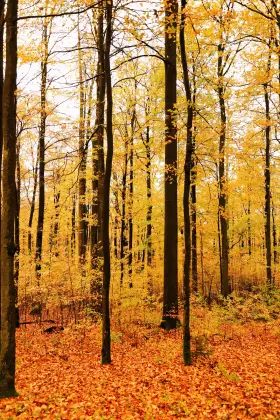
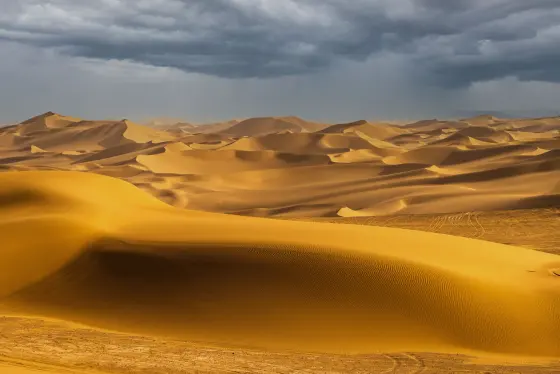
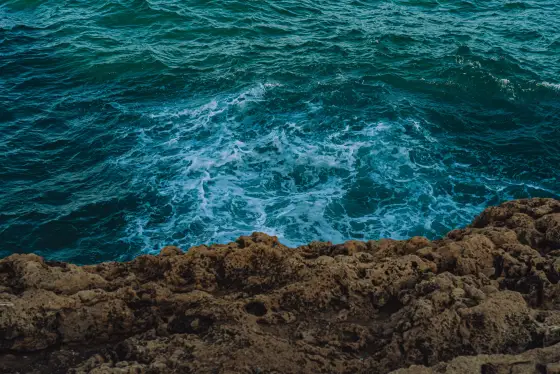
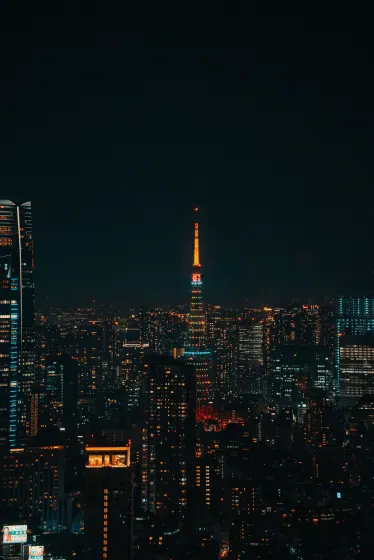

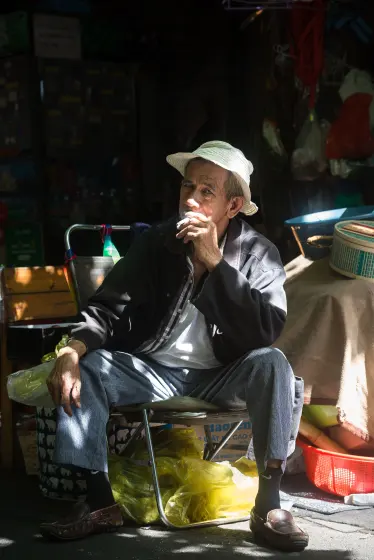
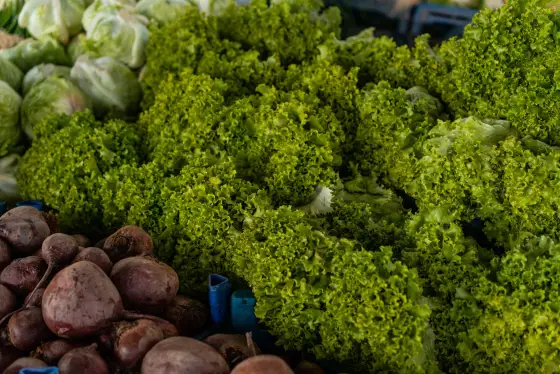
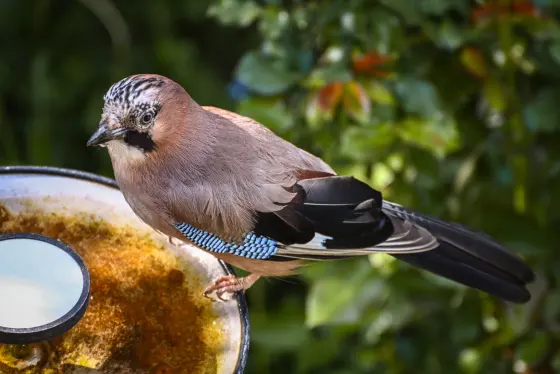

Open your network tab. It stays empty.
Decoding, filtering and encoding all run in a Web Worker on your machine. There is no image endpoint on our side to send a photo to — which is also why editing an 8000 px file costs us nothing and stays free for you.
Read how it works →| DSC_4821.heic | decoded locally |
| rotate → crop → sharpen | worker thread |
| export.jpg · 1.8 MB | saved to device |
Straight answers.
01Are my photos uploaded to a server?
No. PIXLFLW runs entirely in your browser: images are opened, edited and exported locally on your device and are never uploaded, stored or seen by anyone.
02Is it really free? Are there watermarks or limits?
Yes, completely free — no sign-up, no watermarks and no daily limits. The only practical limit is your browser memory for very large files (up to 20 MB per image).
03What does “non-destructive editing” mean?
Every operation — crop, resize, rotate, filters — is a step in a pipeline, like a layer. You can reorder, adjust or delete any step at any time; the original image is only processed once, on export.
04Which formats are supported?
You can open JPG, PNG, WEBP, HEIC/HEIF, GIF, BMP, TIFF, AVIF and more, and export as JPG, PNG or GIF with adjustable quality.
05Does it work on a phone?
Yes — the editor runs in any modern browser on desktop and mobile, no app install required.
Your photo is one drop away.
Open the editor, drag a file in, and the first result is ten seconds out.
Start the Editor →